
Smartphone App
…Everything you need for a successful season!
Click on the image below for a “quick access app” your phone. Once the link is open on your phone, bookmark or “add to home screen”. If you agree to push notifications, we can send you urgent safety information and updates (we do not share this information with any third parties).
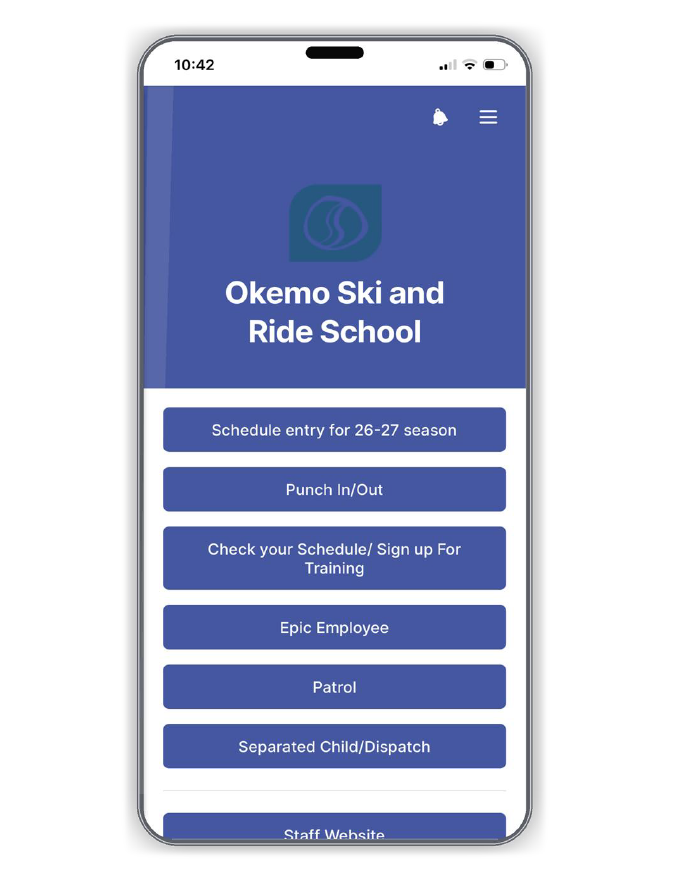
To add a website shortcut to your home screen for the app above, follow these steps for your device:
iPhone (iOS)
Open the Apple Safari browser and navigate to the website you want to save.
Tap the Share button (a square icon with an upward arrow) at the bottom (or top) of the screen.
Scroll down the menu and tap Add to Home Screen.
Edit the shortcut name if you like, then tap Add in the top-right corner. [1, 2]
Android
Open Google Chrome and navigate to the website you want to save.
Tap the three-dot menu icon (⋮) in the top-right corner of the browser.
Select Add to Home screen from the dropdown menu.
Rename the shortcut if desired, then tap Add (or Add to Home screen) to confirm. [1, 2, 3]